
Please do not use the code below, this is just an example with a fake ID. Remember that you can get your pixel code from your Thribee Account, under Tools -> Conversion Tracker.
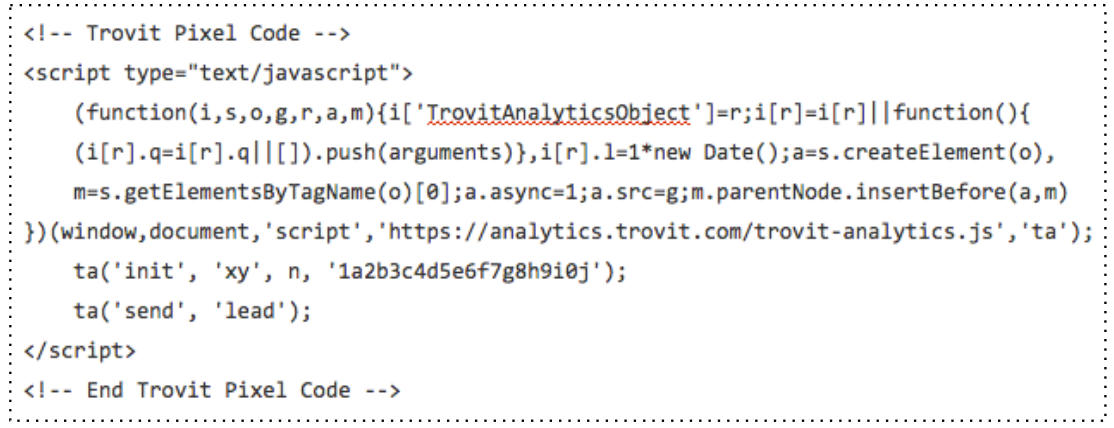
| ta(‘init’, ‘xy’, n, ‘1a2b3c4d5e6f7g8h9i0j); | This allows Thribee to match the activities registered with your Account. Don’t insert this manually, you should get it from your Thribee account, with your account IDs. |
| ta (‘send’, ‘lead’); | This sends a lead to Thribee. If the source of the lead is an ad from Trovit or Mitula, a conversion will be counted. |
Comments
0 comments
Article is closed for comments.